Turn a Single Product Into Multiple Revenue-Driving Creatives
Most e-commerce brands struggle with content production. Creating multiple ad creatives requires time, budget, and resources.
As a result, many brands rely on a single static image and expect it to perform across all campaigns.
This approach limits growth.
Modern advertising requires variation, testing, and constant creative refresh. The more formats you test, the better your chances of finding a winning ad. This is where ShowcaseAI changes the entire workflow.
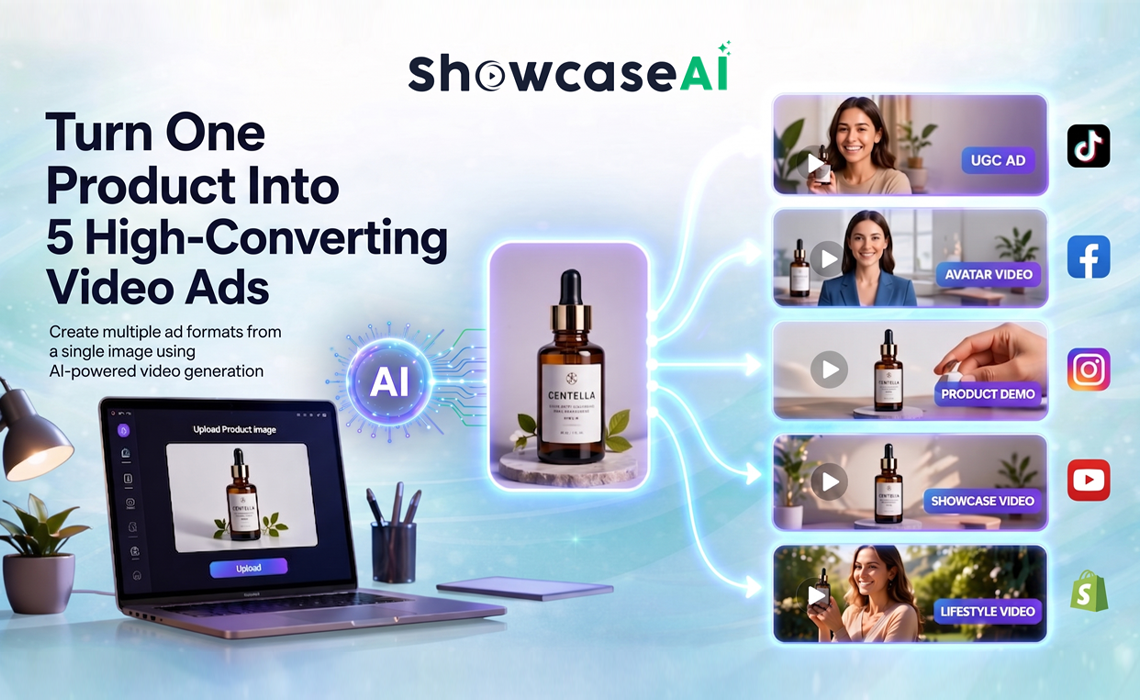
Instead of creating content manually, you can now turn one product image into multiple high-converting video ads using AI.
Why One Creative Is Never Enough
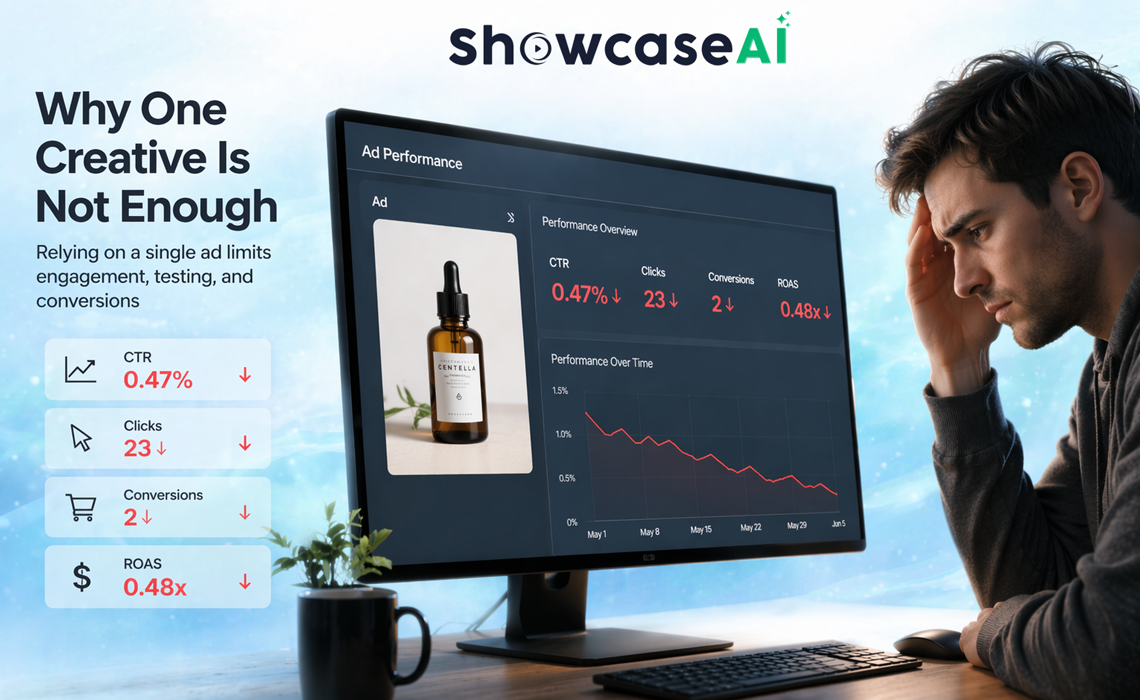
Relying on a single ad creative is one of the biggest mistakes in e-commerce marketing.
Different users respond to different types of content. Some prefer fast, engaging videos. Others need detailed explanations. Some are influenced by emotional storytelling, while others focus on product features.
If you only run one type of creative, you miss out on multiple audience segments.
This leads to:
- Lower engagement
- Higher CPC
- Inconsistent conversions
To scale effectively, you need multiple creative formats for the same product.
The Power of Multi-Format Video Strategy
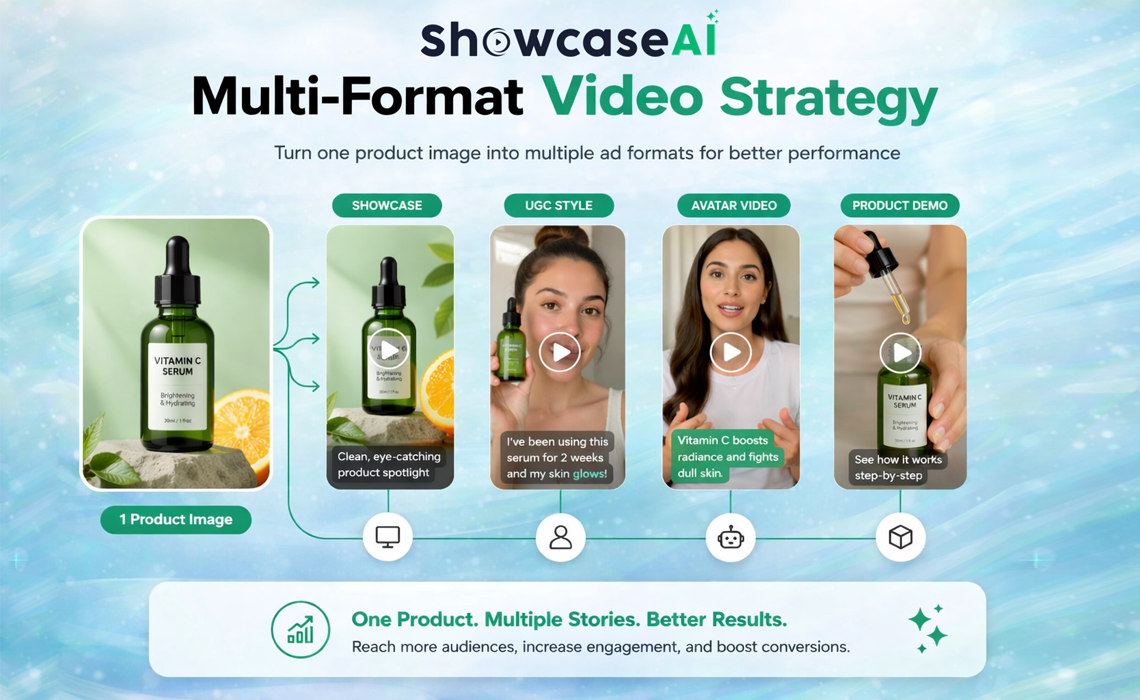
A single product image contains enough information to create different types of marketing content. The key is presenting that product in multiple ways.
With AI-powered tools like ShowcaseAI, you can generate various video formats instantly.
This allows you to:
- Test multiple ad angles
- Improve engagement
- Increase conversion rates
- Scale campaigns faster
Let us break down the five most effective video ad formats you can create from one product image.
1. Product Showcase Video
What It Does
A product showcase video focuses on presentation. It uses motion, lighting effects, and transitions to make the product visually appealing.
Why It Works
This format is ideal for capturing attention. It makes your product look premium and professional.
Best Use Cases
- Instagram and Facebook ads
- Website hero sections
- Product landing pages
Result
Higher engagement and improved click-through rates.
2. AI Ad Video (UGC-Style)
What It Does
AI ad videos mimic user-generated content. They feel natural, relatable, and less like traditional advertisements.
Why It Works
UGC-style content builds trust. It feels authentic and aligns with how users consume content on social platforms.
Best Use Cases
- Paid ads
- Reels and short-form content
- Performance marketing campaigns
Result
Lower CPC and higher ROAS.
3. Talking Avatar Video
What It Does
A talking avatar video uses an AI-generated human-like presenter to explain your product.
Why It Works
People trust people. A human-like presentation increases clarity and credibility.
Best Use Cases
- Product explainers
- Landing pages
- Educational content
Result
Better product understanding and higher conversion rates.
4. Product Avatar Video
What It Does
In this format, the AI avatar interacts with the product directly. It highlights features while maintaining a human touch.
Why It Works
It combines visual storytelling with product demonstration. This keeps users engaged for longer.
Best Use Cases
- E-commerce ads
- Social media campaigns
- Demo-style videos
Result
Improved engagement and stronger buyer intent.
5. Fashion TryOn or Lifestyle Video
What It Does
This format places your product in a real-life or lifestyle scenario.
Why It Works
Customers want to see how the product fits into their daily life. This reduces hesitation and builds emotional connection.
Best Use Cases
- Fashion brands
- Lifestyle products
- Social media ads
Result
Higher engagement and increased purchase confidence.
How to Create All 5 Video Ads Using ShowcaseAI
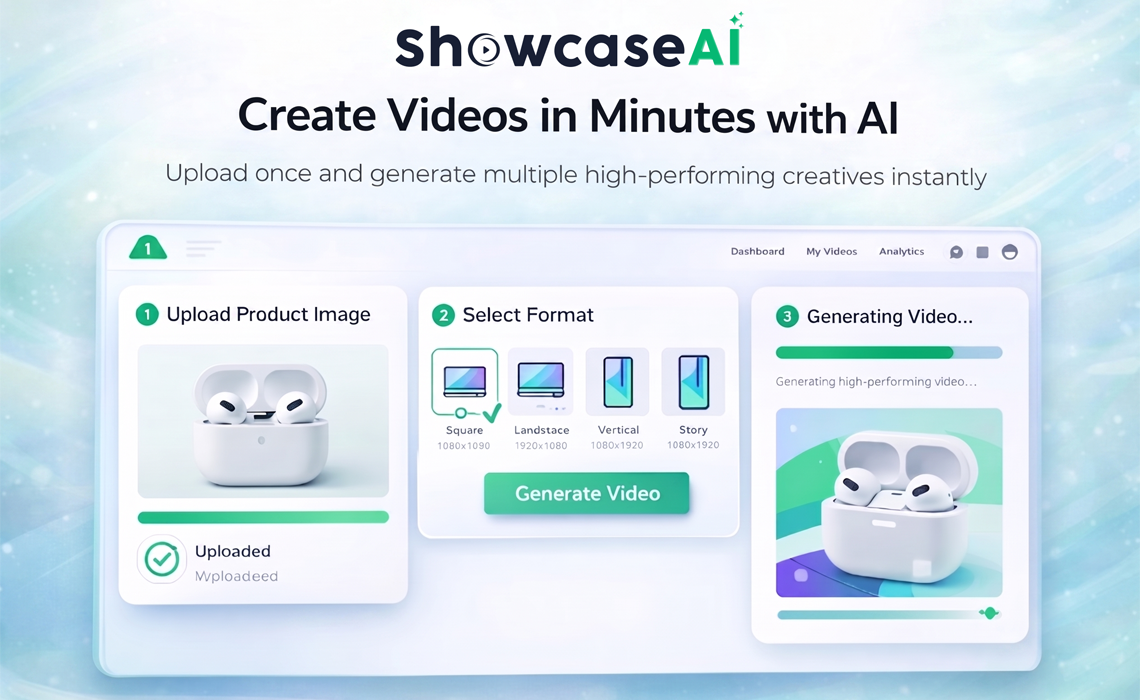
With ShowcaseAI, the process is simple and fast.
Step 1: Upload Your Product Image
Start by uploading a high-quality product image.
Step 2: Choose Video Format
Select from available formats like AI Ads, Product Showcase, Avatar Videos, or Fashion Videos.
Step 3: Add Basic Details
Enter a short idea, script, or product details.
Step 4: Generate the Video
Click generate. The AI creates a complete video with visuals, motion, and voice.
Step 5: Export and Use
Download the video and use it across ads, social media, and product pages.
Within minutes, you have multiple creatives ready for testing.
Why This Strategy Improves Performance
Creating multiple video ads from one product image is not just efficient. It is strategic.
- Better Audience Targeting
Different formats appeal to different audience types.
- Faster Testing
You can quickly identify which creative performs best.
- Lower Cost
No need for separate shoots or editing.
- Scalable Growth
You can repeat the process for every product in your store.
This approach turns your product into a content engine.
Use These Videos Across Your Funnel
Do not limit your videos to ads.
You can use them across:
- Product pages
- Landing pages
- Email campaigns
- Social media
This creates consistency and improves trust throughout the customer journey.
Final Thoughts
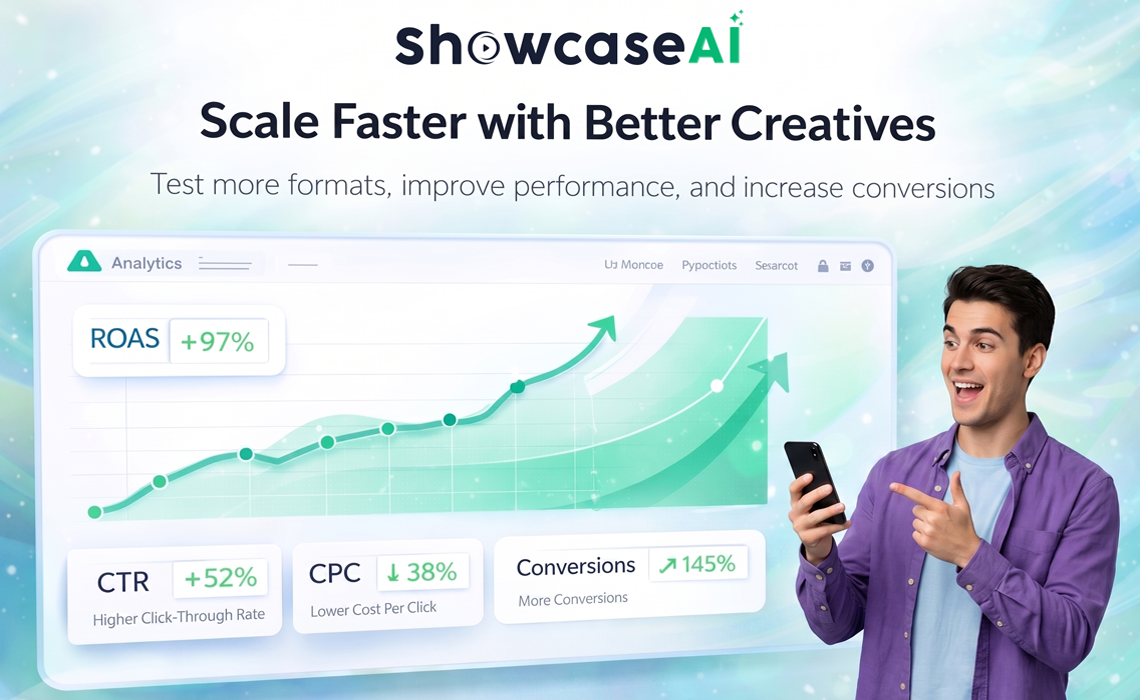
E-commerce success today depends on how effectively you present your product.
One static image is no longer enough. You need multiple formats to capture attention, build trust, and drive conversions.
With ShowcaseAI, you can turn one product image into five high-converting video ads in minutes.
This gives you the ability to test, optimize, and scale your campaigns without increasing production costs.
Start with one product. Create multiple formats. Identify what works. Scale your results.
🚀 Ready to Multiply Your Ad Creatives?
Turn your product images into powerful video ads and unlock better performance.